JVtools
Houdini Digital Assets that feel like bespoke software
Deep, single-node Houdini tools — the kind you'd build for yourself if you had the month spare.


One node, built properly
Every tool here started as a setup I'd rebuilt one too many times — a pile of wrangles and attribute adjusts that got copied from shot to shot until it was worth doing once, properly, with real controls and viewport feedback. They are deep rather than broad: fewer nodes, each of which does an entire job.
Houdini HDA
Advanced Velocity
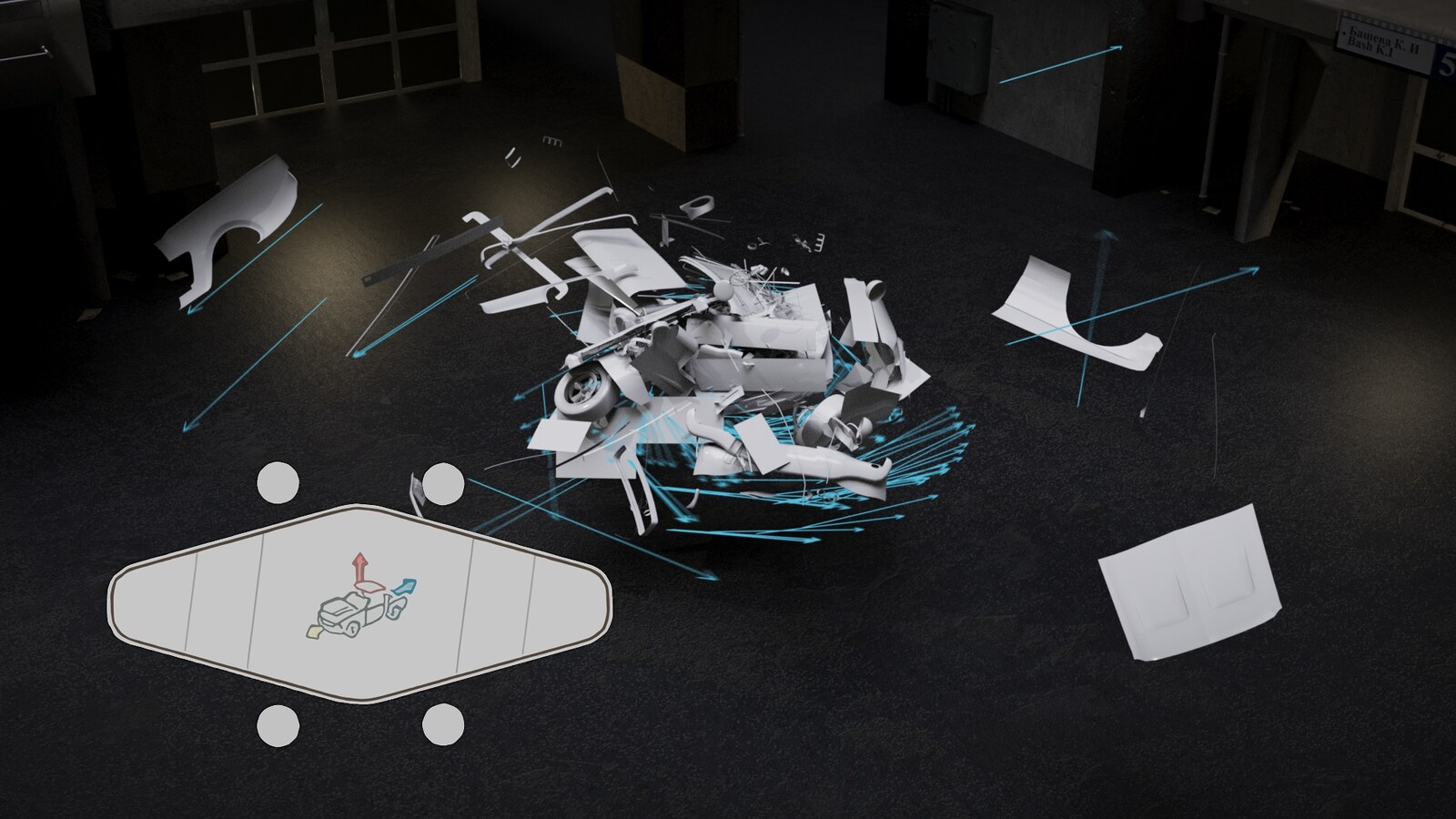
Author @v for simulations on one node — fixed, directional, exploding and angular velocity, with matching Adjust and Mask controls and interactive blast placement for fractured RBD.
- Six velocity types on one node, blended by a real mixer.
- A whole timeline of velocity events, played back as one.
- Drop the blast in the viewport; watch the pieces tint live.
- Ballistic Motion, plus Return to Home on a single slider.
Houdini HDA
Reallusion Importer for Houdini
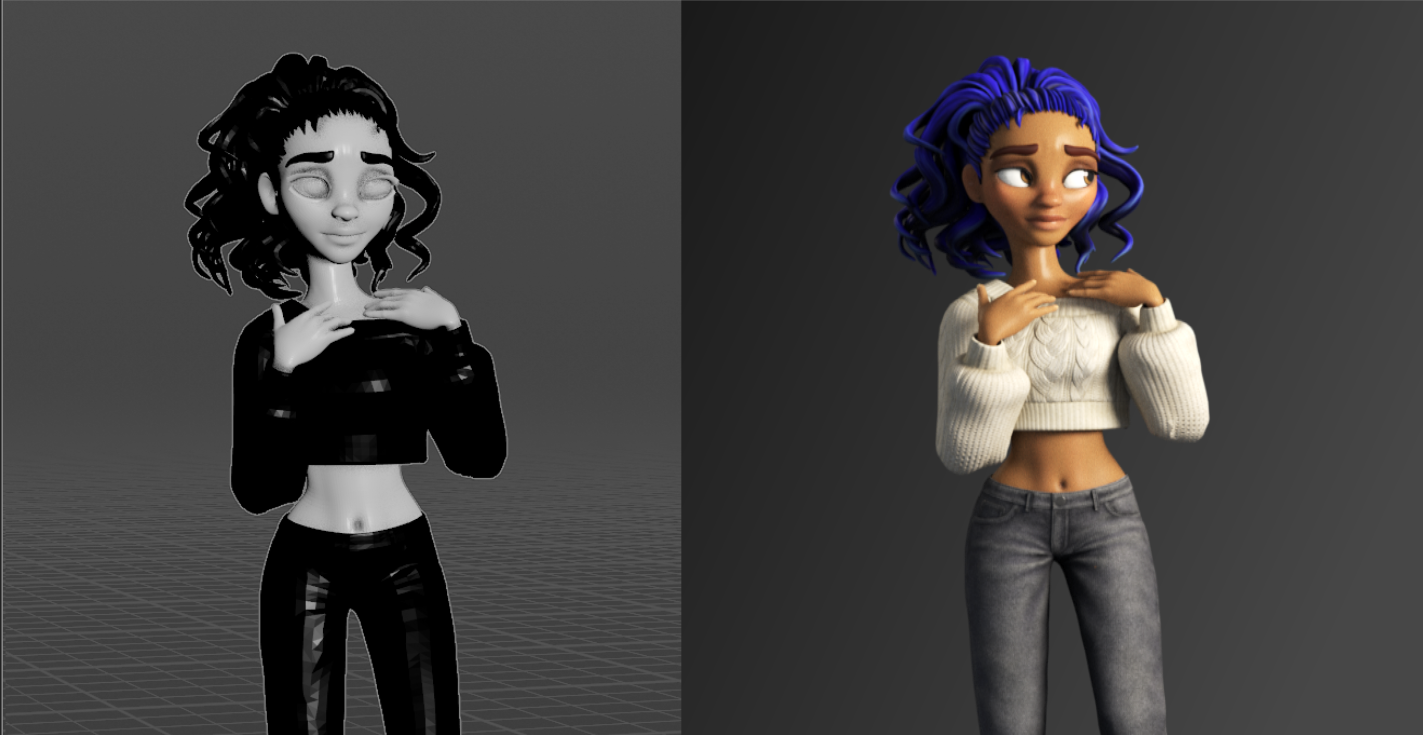
Turn a Character Creator 5 / iClone 8 character into a fully shaded, animatable, render-ready Solaris character with Karma XPU MaterialX materials — in one click.
- One click from Character Creator export to shaded Solaris character.
- Karma XPU MaterialX skin, eyes, teeth and hair, out of the box.
- Expression wrinkles rebuilt live in Karma.
- Re-dye any character's hair without going back to CC.
Free tool
RPLidar In
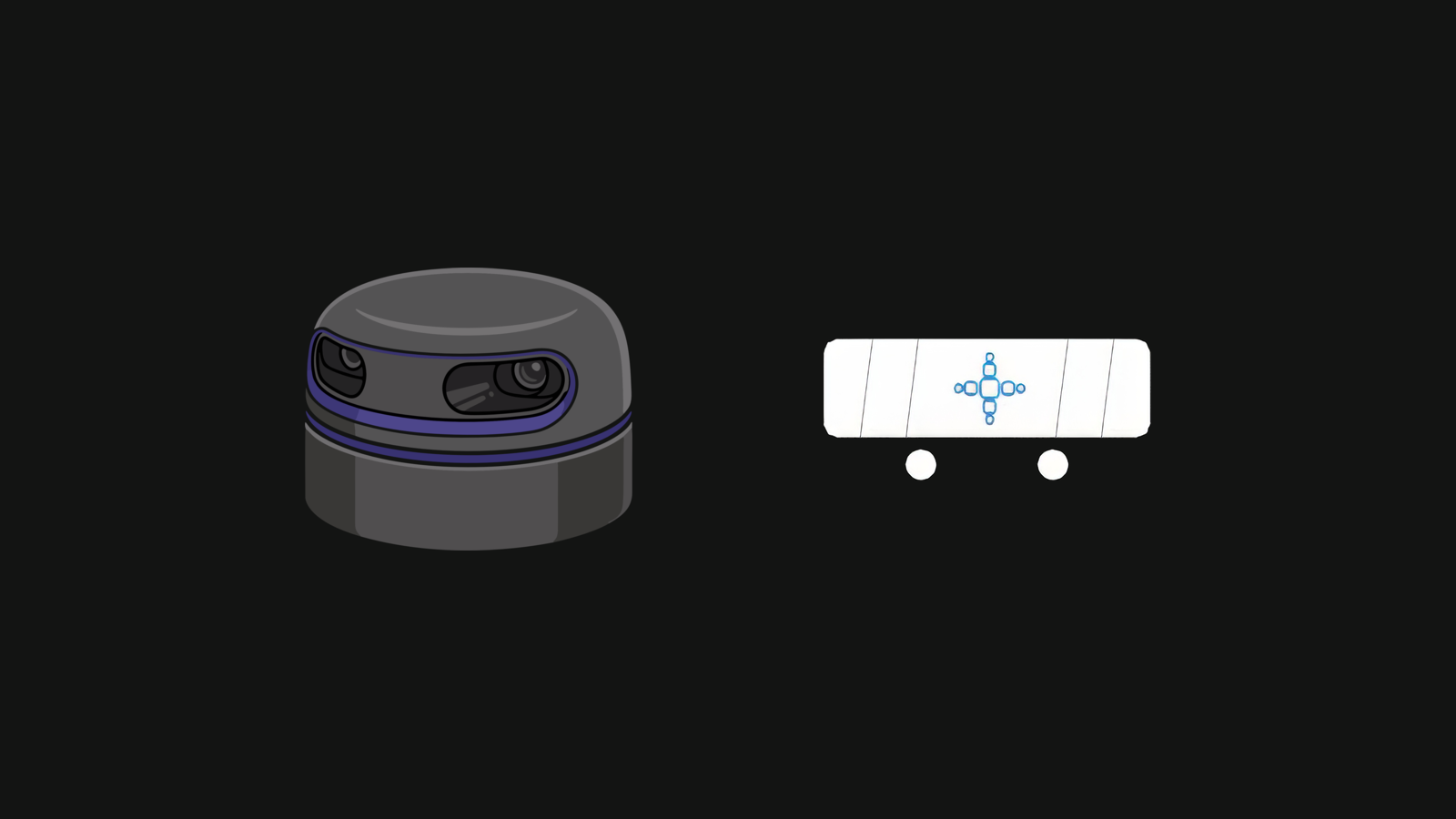
Bring live Slamtec RPLIDAR point-cloud data into Houdini as SOP geometry — stream, record, visualize, and drive live simulations.
- Live sensor to SOP geometry, or replay it with the hardware unplugged.
- Blob tracking with stable ids, so a solver reacts to the hand.
- One button builds a POP network wired to the live points.
- One asset file, no Python packages to install.
Everything else
The full catalogue, including the free ones.
Questions
Before you buy
Will these load in my Houdini?
.hdalc, which means Houdini Indie or Apprentice — not commercial Houdini FX or Core. That's a limitation of how Indie saves assets, not a choice. Check which licence you're on before buying; it's the one thing that catches people out.What Houdini version do I need?
How do I install one?
.hdalc file into your otls folder and restart Houdini. The node then appears under Tab ▸ JV. When you update, delete the old file first — two versions of the same asset in one folder will collide.Do I get updates?
Can I look inside?
Where do I get help?
Why one node instead of a toolset?
Stay in the loop
New tools land regularly
Following on Gumroad means an email when something new ships. That's it — there's no mailing list of mine to escape from later.